Introduction
In the evolving landscape of remote work, a highly optimized workstation is no longer a luxury but a necessity for USA professionals aiming to maximize productivity and efficiency. At the heart of any effective work-from-home setup lies the display configuration. The choice often narrows down to two dominant contenders: a single, expansive ultrawide monitor or a versatile dual-monitor arrangement. Both promise enhanced screen real estate and improved multitasking capabilities, yet they offer distinct experiences that cater to different workflows and preferences. This guide aims to dissect the pros and cons of each setup, helping you make an informed decision tailored to your professional needs.
Comparison Table
| Feature | Ultrawide Monitor Setup | Dual Monitor Setup |
|---|---|---|
| Screen Real Estate | Single, contiguous workspace (e.g., 21:9, 32:9 aspect ratio) | Two distinct workspaces, separated by a bezel (e.g., two 16:9 monitors) |
| Multitasking Efficiency | Seamless window snapping, side-by-side applications, immersive full-screen. | Dedicated full-screen applications on each monitor, easy segregation of tasks. |
| Cable Management | Generally simpler (fewer power/display cables). | More cables (two power, two display cables), potentially more clutter. |
| Ergonomics & Flexibility | Less head turning if curved, but a single fixed large screen. Limited vertical screen options without specialized setups. | Flexible orientation (one horizontal, one vertical), customizable angles, can adjust height/tilt independently. |
| Cost (Initial) | Often higher for comparable total screen area and high resolution. | Can be more budget-friendly, especially if reusing existing monitors or buying mid-range options. |
| Setup Complexity | Plug and play for one monitor. May require specific software for advanced window management. | Requires configuring two displays in OS. Generally straightforward. |
| Aesthetics | Clean, minimalist look with a single dominant screen. | Can appear more cluttered with bezels and multiple stands. |
| Redundancy/Reliability | Single point of failure. | If one monitor fails, the other can still be used. |
Ultrawide Monitor Overview
An ultrawide monitor consolidates your digital workspace into a single, expansive display, typically featuring aspect ratios like 21:9 or even 32:9. These monitors are designed to provide an uninterrupted panoramic view, eliminating the visual break caused by bezels inherent in multi-monitor setups. Modern ultrawides often come with advanced features such as Picture-by-Picture (PBP) or Picture-in-Picture (PIP) modes, allowing you to display multiple input sources simultaneously, mimicking a dual-monitor setup on a single screen. They are particularly popular among creative professionals, video editors, programmers, and anyone who benefits from a continuous timeline or an extensive code editor.
Dual Monitor Setup Overview
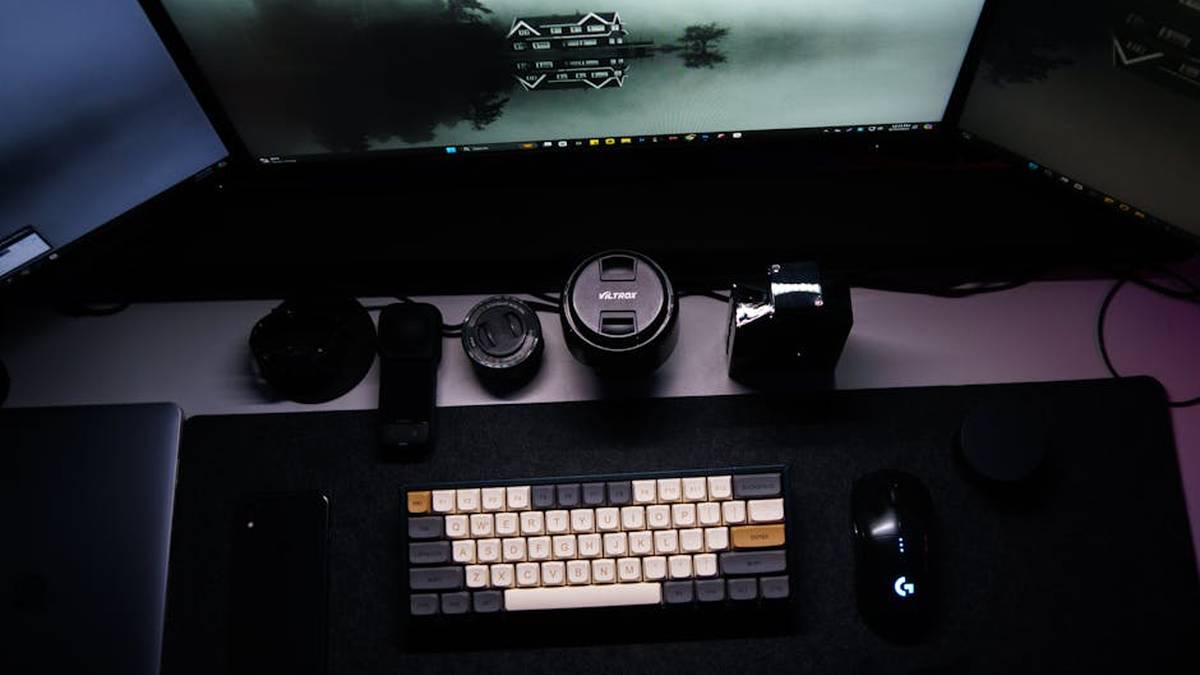
A dual monitor setup involves connecting two separate display units to a single computer. This traditional approach offers two distinct canvases for your work, allowing you to dedicate an entire screen to a primary application while using the second for reference, communication tools, or other secondary tasks. The flexibility of dual monitors is a significant draw, as you can mix and match monitor sizes, resolutions, and even orientations (e.g., one horizontal for spreadsheets, one vertical for documents or code). This setup is widely adopted across various professions, from finance and customer service to software development and general office administration, due to its proven efficacy in compartmentalizing tasks. Related: Herman Miller Aeron Review: Is This Ergonomic Chair Worth the Investment for Your WFH Setup?
Feature Comparison
When comparing these two setups, several key features stand out: Related: Logitech Brio 4K Review: Get Crystal-Clear Professional Video for All Your USA Remote Meetings
- Screen Real Estate & Contiguity: Ultrawide monitors offer a seamless, continuous workspace. This is invaluable for applications like video editing timelines, large spreadsheets, or design software where an uninterrupted visual flow is critical. Dual monitors, while offering ample screen area, present a physical bezel gap between displays, which can be a minor disruption for tasks requiring a single, broad canvas.
- Multitasking Experience: Dual monitors excel at segregating tasks. You can run a full-screen application on each monitor, making it easy to keep primary and secondary tasks distinctly separated. Ultrawides manage multitasking through sophisticated window management software or built-in partitioning features, allowing you to snap multiple windows side-by-side or use PBP modes. However, the feeling of dedicated screens remains unique to dual setups.
- Ergonomics & Flexibility: Dual monitors offer superior flexibility in terms of positioning. You can adjust the height, tilt, and even orientation of each monitor independently, with many professionals opting for one monitor in portrait mode for documents or coding. Ultrawides, while often curved for a more immersive view that reduces head turning, are a single fixed unit, limiting individual screen adjustments.
- Cable Management & Aesthetics: A single ultrawide monitor generally leads to a cleaner desk setup with fewer cables (one power, one display). Dual monitors, by their nature, involve more cables, which can contribute to a more cluttered appearance unless meticulously managed. For a minimalist aesthetic, the ultrawide often wins.
- Cost & Redundancy: While high-end ultrawides can be expensive, two mid-range monitors can sometimes offer comparable total screen area at a more attractive price point. Furthermore, with dual monitors, if one display fails, you still have the other to continue working, offering a degree of redundancy not present in a single ultrawide setup.
Pros and Cons for Both
Ultrawide Monitor Pros:
- Seamless Workspace: No bezels breaking up your view, ideal for panoramic content and continuous timelines.
- Immersive Experience: Especially beneficial for gaming, media consumption, and specific professional tasks like video editing.
- Cleaner Setup: Fewer cables and a single stand contribute to a more minimalist and organized desk.
- Reduced Neck Strain: Curved ultrawides can reduce the need for excessive head turning compared to flat dual monitors spread wide apart.
- Advanced Features: Many include Picture-by-Picture (PBP) functionality to emulate dual inputs.
Ultrawide Monitor Cons:
- Higher Price Point: Often more expensive than two standard monitors offering similar total screen area.
- Compatibility Issues: Some older applications or games may not scale well to ultrawide aspect ratios, leading to black bars.
- Single Point of Failure: If the monitor fails, you lose your entire display setup.
- Less Vertical Real Estate: Despite being wide, standard ultrawides are often the same height as a regular monitor, meaning less vertical space compared to a portrait-oriented dual setup.
- Not Ideal for All Workflows: Professionals needing truly separate, full-screen applications might find window management less intuitive than distinct displays.
Dual Monitor Setup Pros:
- Superior Task Segregation: Easily dedicate full applications to individual screens, ideal for distinct workflows.
- Flexibility & Customization: Mix and match sizes, resolutions, and orientations (e.g., one portrait, one landscape).
- Redundancy: If one monitor fails, you still have a working display.
- Cost-Effective: Often possible to achieve significant screen real estate at a lower cost, especially if reusing older monitors.
- Optimized for Traditional Content: Standard 16:9 aspect ratio is universally compatible with most applications and media.
Dual Monitor Setup Cons:
- Bezel Interruption: The gap between monitors can be disruptive for tasks requiring a single, continuous view.
- More Clutter: Two stands and double the cables typically lead to a less tidy desk.
- Potential for Inconsistent Displays: Color calibration and brightness might vary between different monitor models.
- Increased GPU Load: Driving two separate displays can sometimes demand more from your graphics card.
- Ergonomic Challenges: Poorly positioned dual monitors can lead to more head turning and neck strain.
Which One is Better For Whom?
Choose an Ultrawide Monitor if:
- You are a creative professional (video editor, graphic designer) who benefits from expansive timelines or artboards.
- You are a programmer or data analyst working with extensive lines of code or very wide spreadsheets.
- You prioritize a clean, minimalist desk aesthetic and simplified cable management.
- You enjoy immersive gaming or media consumption on your work setup.
- Your workflow benefits from seamless, contiguous viewing rather than distinctly separated windows.
Choose a Dual Monitor Setup if:
- You are a developer (code on one, debugger/documentation on another).
- You work in finance or customer service, needing to monitor multiple data feeds or applications simultaneously.
- You require strong task segregation, where distinct full-screen applications are critical to your workflow.
- You need the flexibility of different monitor orientations (e.g., one portrait for documents).
- You are budget-conscious or want the redundancy of having a backup display.
- Your primary applications are traditionally optimized for 16:9 aspect ratios.
Final Verdict
The ultimate choice between an ultrawide and a dual monitor setup for your home office hinges entirely on your specific workflow, budget, and personal preferences. There is no universally “better” option; rather, it’s about aligning the technology with your professional demands. Related: Secretlab Titan Evo 2022 Review: Can This Top-Selling Gaming Chair Boost Your WFH Productivity?
For USA professionals who thrive on a continuous, expansive canvas for intensive creative or analytical tasks, and who appreciate a clean, modern aesthetic, an ultrawide monitor offers an unparalleled, immersive experience. It simplifies cabling and presents a cohesive visual field. Related: VariDesk Pro Plus 36 Review: The Ultimate Standing Desk for Boosting Productivity in Your USA Home Office
Conversely, for those who benefit from distinct application segregation, superior ergonomic flexibility, and the peace of mind that comes with redundancy, a dual monitor setup remains a robust and often more cost-effective solution. It allows for highly compartmentalized workflows that many find indispensable. Related: Best Ergonomic Office Chairs for Productive Work From Home in USA (2026)
Consider your daily tasks, the applications you use most frequently, your desk space, and your budget carefully. Whichever you choose, investing in a high-quality display setup is a critical step towards maximizing your productivity and comfort in your remote work environment.