Your Work From Home Screen Choice
Hey, so you know how everyone’s working from home these days? Getting your desk set up right is super important, especially your computer screen. Most people end up trying to decide between one really big, wide screen or two separate ones. Both ideas give you more room to work, but they feel pretty different. Let’s chat about what might be best for you.
Okay, first up, the ultrawide monitor. Picture one super long screen, way wider than normal. It’s almost like having two screens stuck together, but without that annoying black line down the middle. It makes everything feel smooth and connected. Some even let you show stuff from two different computers at once, which is kind of cool. These are great if you’re doing creative things, like editing videos, or if you’re a programmer and need to see a lot of code at once.
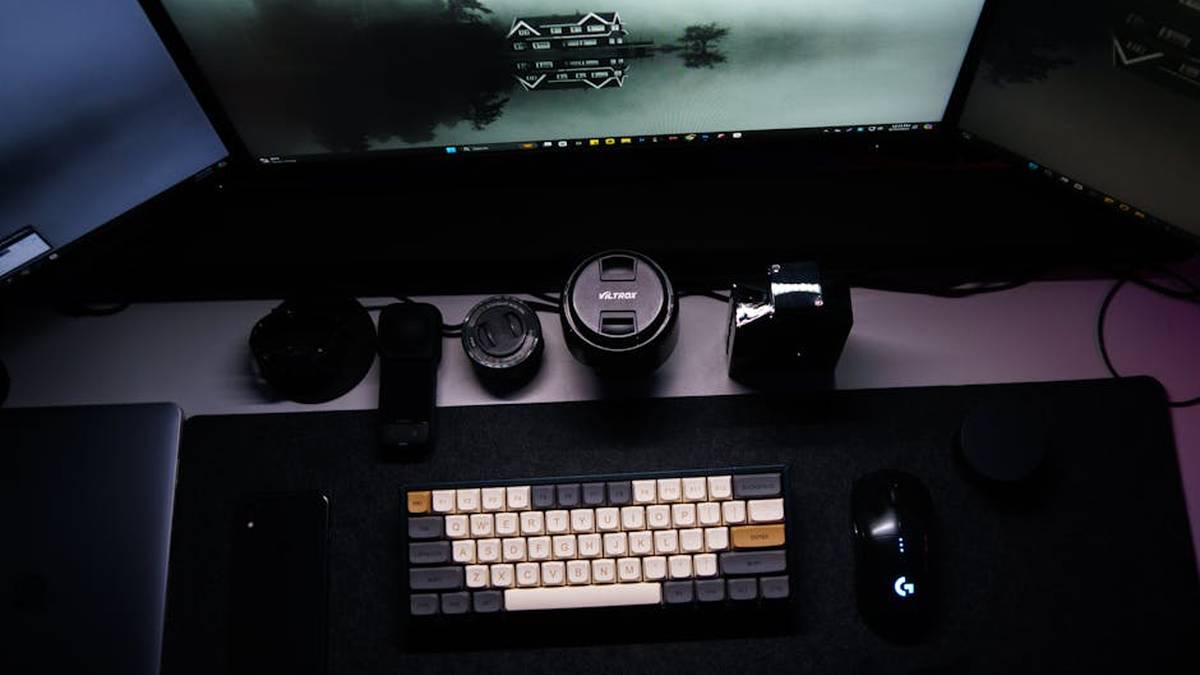
Then there’s the dual monitor setup. This is just what it sounds like: two separate screens connected to your computer. It’s awesome because you can put your main work on one screen and use the other for emails, chat apps, or just looking up stuff. You can even have one screen standing up vertically if that helps you with long documents or code! Lots of different jobs use this setup, from people doing finance to customer service. It just works well for splitting up your tasks.
So, when you’re trying to pick between them, there’s no single “best” answer, honestly. It really depends on what you do every day, how much money you want to spend, and what just feels right to you.
If you really like having one huge, seamless space for deep work, like those big creative projects or analyzing tons of data, and you want a really clean desk with fewer cables, then an ultrawide screen is probably amazing. It feels super immersive.
On the other hand, if you like keeping your different tasks totally separate – like, email on this screen, main project on that one – or you want to move your screens around just so, then two monitors might be better. Plus, if one screen breaks, you still have the other one working! Many people find this setup really helps them stay organized, and it can sometimes be cheaper.
Think about what tasks fill your day, what apps you use most, how much room you have on your desk, and your budget. Getting your screens right is a big step to being productive and comfortable when you’re working from home.
Now, about the cost. A really fancy ultrawide monitor can be quite expensive by itself. But if you’re buying two *really good* separate monitors, the total price might actually be pretty similar, or even more. Ultrawides often mean fewer cables on your desk too, which is a nice bonus.
Is one truly “better” than the other? Not really. It’s all about your personal style and what your job demands. Ultrawides are fantastic for anything that needs a really wide view, like those video timelines or huge spreadsheets. Two monitors, though, give you those clear, separate “zones” for different apps. Some people just prefer having distinct areas for their main work, their notes, and their chat windows. It’s like having multiple little offices.
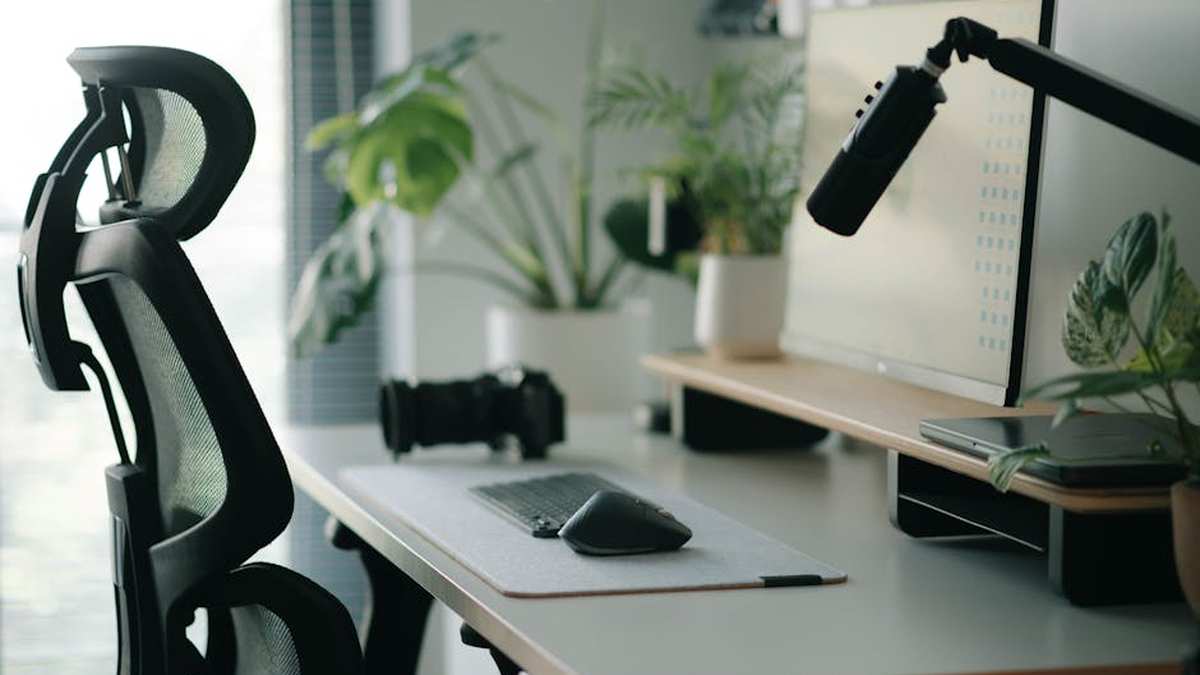
And desk space? An ultrawide looks super neat because it’s just one big screen on one stand, but it does need a pretty deep desk. Two monitors might take up more width overall, depending on their size, but you can angle them and position them individually exactly how you want. This can sometimes be better for your neck if you’re sitting there all day.
Also, for something like sharing your screen during a video call, two monitors can be a bit easier. You can just share one dedicated screen without showing everything else you have open. With an ultrawide, you have to be a bit more careful about what part of that huge canvas you’re actually sharing.